
Image to Mosaic Generator
Turn a photo into a mosaic of square tiles, round dots, hexagons or diamonds. Choose the tile size, compare the result with the original, and download a PNG, all in your browser.
This tool makes tile mosaics from flat coloured shapes. It does not build a photo mosaic out of many small pictures.
Upload an image
Click to browse or drag and drop
Supports JPG, PNG, WebP (Max 10MB)
Or try an example image:
One photo, four tile shapes
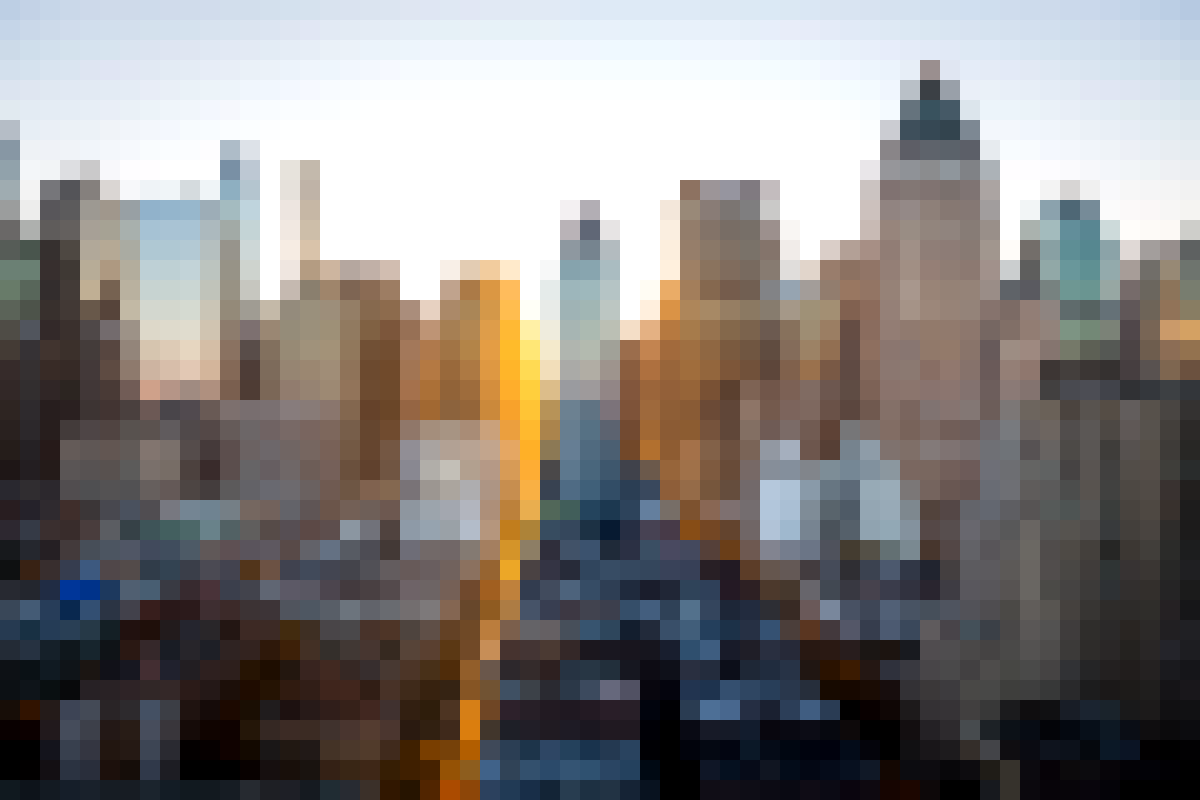
All four results use the Mosaic Art preset with 20 px tiles on a 1,200 px photo, which is 60 tiles along the long side. Gaps between shapes are transparent in the PNG and appear white here.
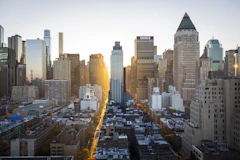 Original
Square tiles
Mosaic Art preset, square shape, 20 px tiles (60 cells wide). No gaps between tiles.
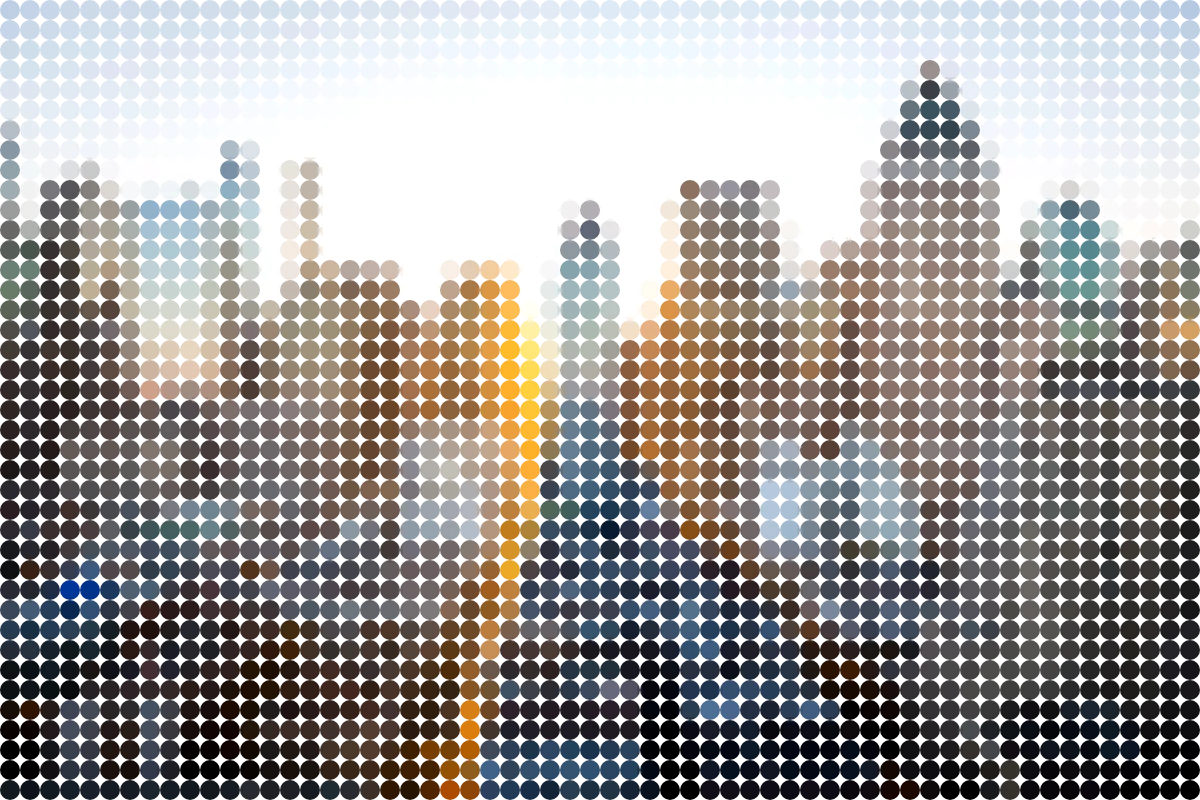
Dots
Mosaic Art preset, circle shape, 20 px tiles (60 cells wide). Gaps are transparent in the PNG.
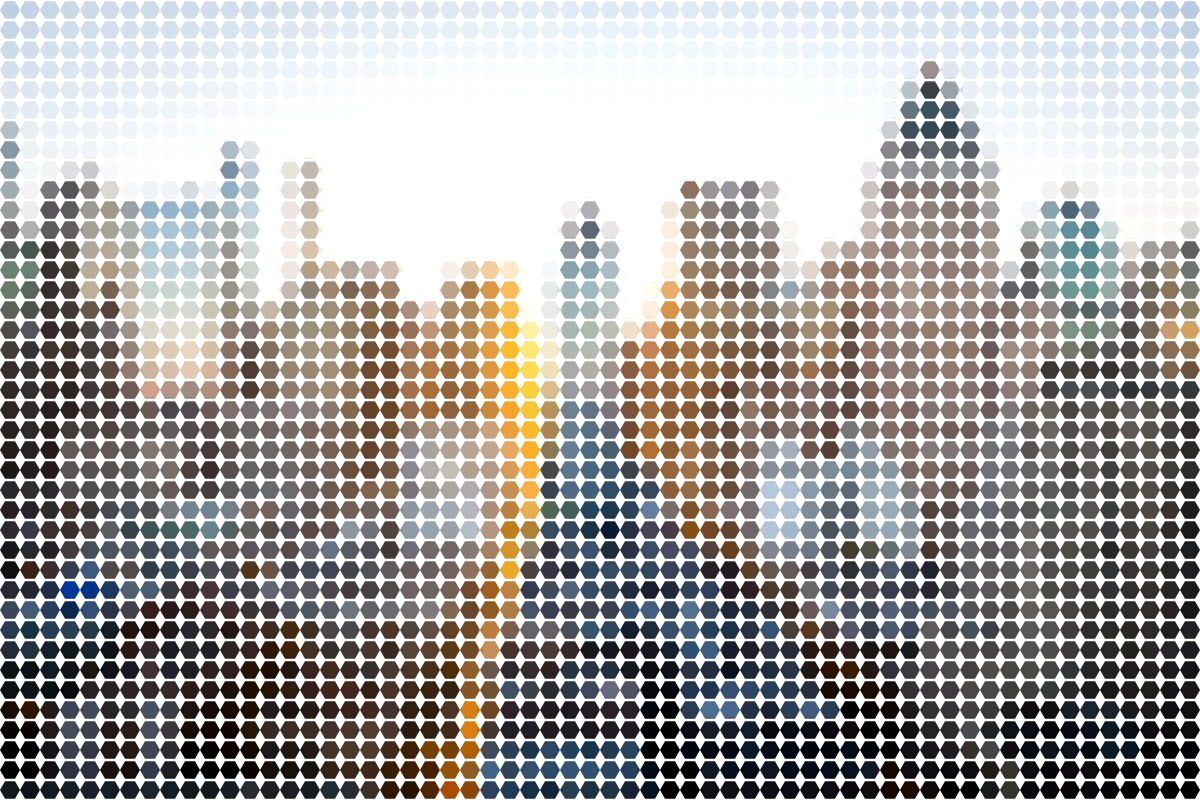
Hexagons
Mosaic Art preset, hexagon shape, 20 px tiles (60 cells wide). Gaps are transparent in the PNG.
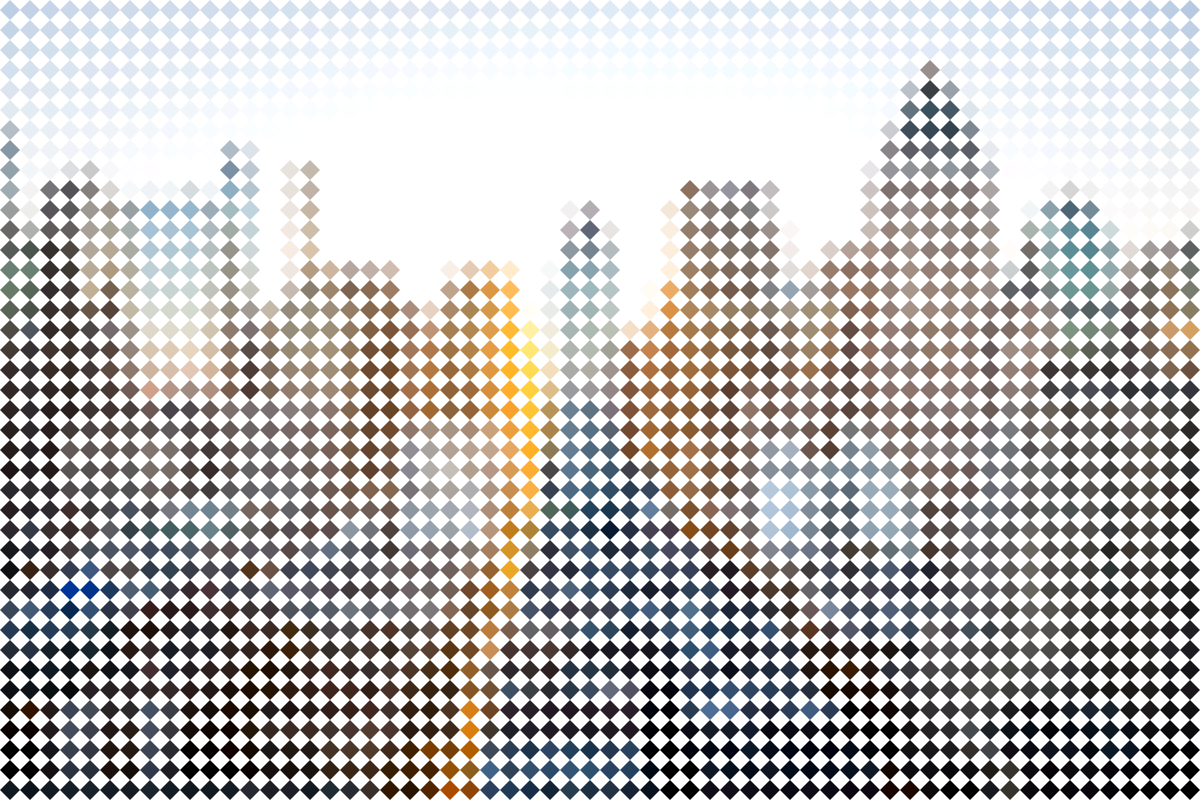
Diamonds
Mosaic Art preset, diamond shape, 20 px tiles (60 cells wide). Gaps are transparent in the PNG.
Example photo: Unsplash.
Which tile shape should you pick?
Pick the shape in the tool after you load an image. Triangle and heart are available there too.
Square
Tiles fill the whole canvas with no gaps, like classic pixel art. This is the default, and it gives by far the smallest files.
Circle
Round dots with space between them, close to a halftone print or a bead picture. Soft and playful.
Hexagon
Small hexagons separated by thin gaps, like studs or beads. The Poster Print preset starts with this shape.
Diamond
Tiles touch at their corners and form a harlequin check pattern. The Logo Design preset starts with this shape.
How big should the tiles be?
Tile size is set in pixels, so work out the number you need first: tile size = long side ÷ tiles. A 1,200 px photo with 60 tiles needs 20 px tiles, which is what the examples above use.
At 60 tiles the skyline and the glow of the sunset are still easy to read. With fewer tiles the picture turns bolder and more abstract. With more tiles it keeps more detail, but each shape gets small, the gaps get thin, and the result drifts back toward an ordinary low-resolution photo.
Four tips for better mosaics
1. Start with a clear subject
A mosaic throws detail away. Faces, skylines and bold shapes survive it, while busy textures such as foliage or crowds turn into noise.
2. Put the PNG on a coloured background
Because the gaps are transparent, you can place the mosaic on any colour in a slide or image editor. A dark background makes bright tiles glow, while white keeps the result light, as shown above.
3. Try a preset that starts with the shape
Poster Print uses hexagons and Logo Design uses diamonds. Social Avatar uses circles with a six-colour vivid palette, and Gift Card uses hearts with a warm six-colour palette. Mosaic Art keeps square tiles and adds a small boost to contrast and saturation.
4. Plan for screens and small prints
Exports are at most 1,600 px on the long side. That suits social posts, wallpapers and small prints, but a large poster needs a bigger file than this tool produces.
Want crisp retro blocks instead? Try the photo to pixel art converter.
Image to mosaic: common questions
Is this a photo mosaic?
No. A photo mosaic is built from many small photographs. Pixels2 builds the picture from flat coloured tiles, dots, hexagons or diamonds. If you want a true photo mosaic, you will need a different tool.
Can I change the gap colour?
Not yet. Gaps are transparent in a PNG and white in a JPG. To use another colour, place the PNG on a coloured background in any image or presentation editor.
How large can the tiles be?
Up to 32 px. On a 1,200 px photo that is about 38 tiles along the long side. If you want fewer, larger tiles, make the photo smaller before you upload it.
Why are round and hexagonal mosaics such large files?
Smooth shape edges compress poorly. In our examples the square-tile PNG is about 33 KB, while the circle, hexagon and diamond versions are between 440 and 610 KB at 1,200 px. Everything is still processed in your browser, and nothing is uploaded.
Related tools
- Image to Pixel Art ConverterThe main tool: pixelate any photo, pick a retro palette or a tile shape, and download a PNG.
- Photo to Pixel ArtPortraits, landscapes and city shots, with advice on how large the pixels should be.
- Game Boy FilterFour shades of green and a chunky pixel grid, like the original Game Boy screen.